Work management

Mobile maintenance guide
Keep the right equipment, job details, and closeout record together in the field.

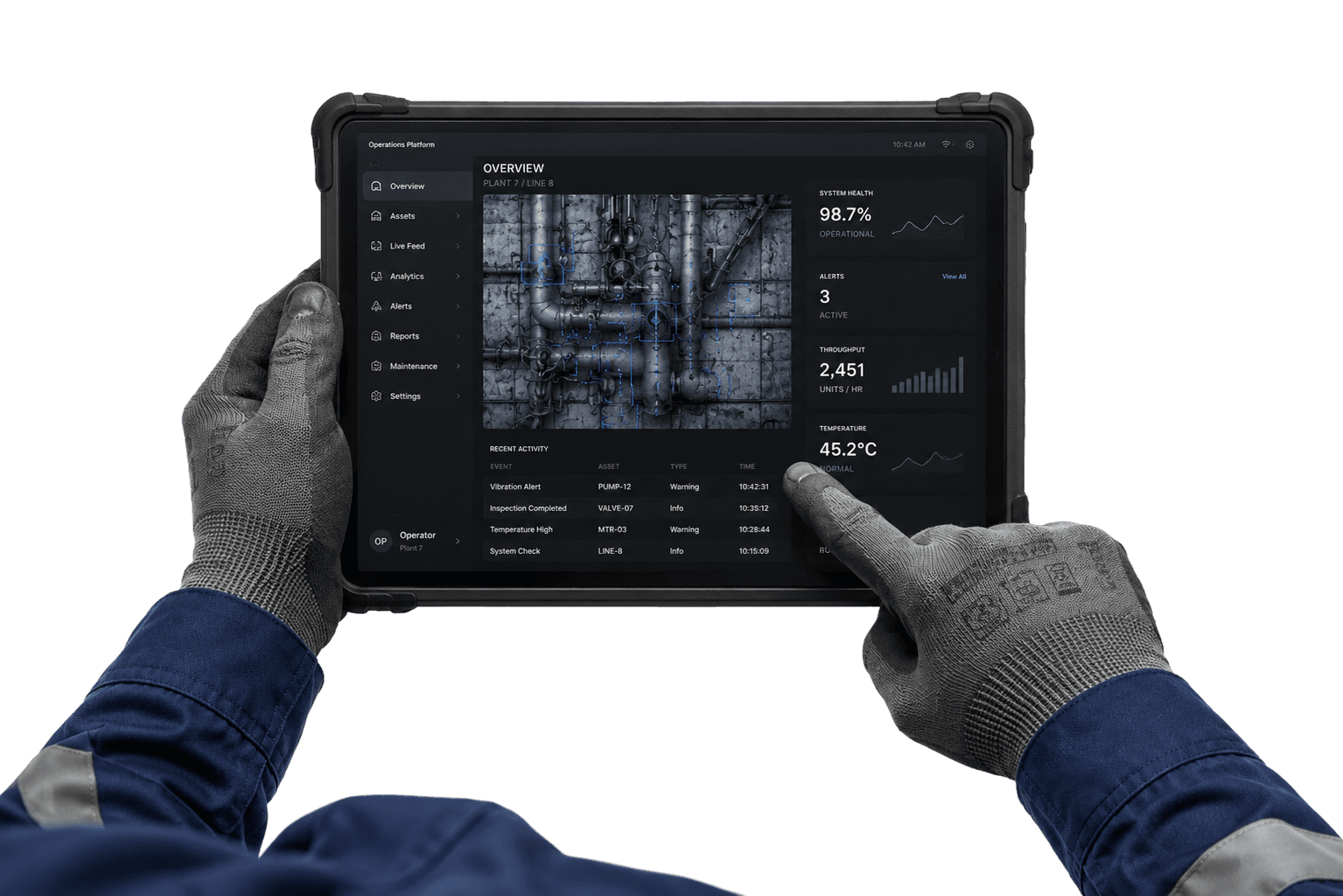
Mobile maintenance is the use of a phone or tablet to review, update, and record maintenance work where it happens.
The device is only one part of the workflow. A technician still needs the correct equipment, a clear job scope, relevant procedures, required parts, and a way to report what they found. A useful mobile process keeps those pieces close to the work and carries the result back into the maintenance record.
That matters because the person planning the job and the person doing it may work in different places or shifts. When the technician can check the current work order at the asset, they can confirm the request, see the planned steps, note a changed condition, and leave a record for the next decision.
Mobile access does not replace job planning, permits, isolation procedures, technical judgment, or communication with operations. It gives the team another place to use the agreed work process. The first design question is therefore not which phone to buy. It is which field tasks must be clear, safe, and recordable.
A phone cannot resolve a vague job scope. Before dispatch, a planner should establish what equipment is involved, what function needs attention, what work is authorized, and which checks will show that the task is complete. Planning defines what and how; scheduling coordinates who and when.
DOE work-control guidance describes a work request or order as a way to define and plan work, with relevant documentation, available spare parts, procedures, and tests included where applicable. The same discipline helps a mobile workflow: the field view should present the approved job package, not invite a technician to guess at missing preparation.
Keep the first mobile workflow narrow. Choose a recurring inspection or a common corrective job with stable instructions. Agree on the asset naming convention, status meanings, escalation route, and minimum closeout record. Resolve duplicate equipment names and stale procedures before asking a crew to use the information at the point of work.
A feature checklist tells little about whether the work fits a technician's day. Put the device in the environment where it will be used. Ask a technician to find an assigned job, verify the asset, open its procedure, record an observation, and complete the closeout using a representative task.
Observe the steps and the interruptions. Is the important information readable at the screen size? Can the technician distinguish planned from unplanned work? Are required fields clear? Can a correction be made without losing the original context? Does the app make a draft or saved state visible? These are test questions, not claims that every product behaves the same way.
Include both routine and exception paths. A clean inspection is not the only test: try a failed check, wrong asset label, missing part, changed scope, and interrupted connection. Confirm what the application stores, when it synchronizes, and what the user should do after an error. Record the answers in the local procedure before rollout.
| Field task | What the team should verify | Useful result |
|---|---|---|
| Find the job | Can the technician see assignment, priority, due timing, and current status? | The correct work is selected before action. |
| Check equipment context | Are asset identity, location, recent history, and approved procedure easy to confirm? | The work is tied to the correct equipment and method. |
| Record the finding | Can the technician add the required observation, measurement, note, or image under site policy? | The record explains what changed and what needs attention. |
| Save and hand off | Is save/sync state clear, and does a supervisor know how exceptions are routed? | The next person can see the update and its status. |
Industrial sites can have dead zones, restricted device areas, gloves, dust, water, glare, and loud workspaces. These conditions affect whether a phone or tablet is suitable at a particular task. Map coverage in the actual work areas, then agree on what technicians do when the connection or device is unavailable.
Test the chosen application's behavior under the conditions your team encounters. Verify which records are available, how edits are saved, whether they sync later, and how conflicts are shown. Keep a site-approved fallback, such as the controlled paper form or radio handoff, for situations the application cannot support. Never assume offline access unless the product owner confirms it and the team has tested it.
Device use also has safety boundaries. Site rules may prohibit electronics in classified areas, require hands-free communication, or limit photography. Keep the approved work method in control. Do not ask a technician to look at a screen while walking, driving, reaching into equipment, or performing a hazardous step. Stage updates at a safe point in the task.
The example illustrates a hypothetical work routine.
A completed status answers only whether someone closed the task. Good closeout explains what the technician saw, what they did, what checks passed or failed, and what remains open. Record the difference between a suspected cause and a confirmed finding; the next investigation depends on that distinction.
Use structured fields when the team needs consistent comparison, and short notes for context that does not fit a code. Measurements need units and the condition under which they were taken. Photos should follow site privacy, security, and retention rules. For recurring work, update the instruction through the procedure-control process rather than relying on one person's note.
Choose a small required record that matches the work: asset and job identity, findings, work performed, parts consumed, test or acceptance result, and follow-up owner. Extra fields that do not support a decision add effort and encourage rushed entries. Review completed records with technicians and adjust the form when it repeatedly misses information needed for planning.
| Closeout element | Record | Why it helps |
|---|---|---|
| Condition found | Observed symptom, measurement, location, and operating context | Separates evidence from an assumed cause. |
| Work performed | Repair or inspection completed, procedure used, and parts consumed | Builds useful equipment history and supports future preparation. |
| Acceptance check | Required test, result, units, and return-to-service handoff | Shows whether the defined task reached its completion condition. |
| Remaining work | Open concern, priority, owner, and next review or work request | Makes the unresolved item visible across shifts. |
Start with a crew that performs a bounded set of repeatable jobs. Bring technicians, planners, supervisors, operations, and IT or safety partners into the design. A pilot should answer practical questions: which information is missing, where the workflow slows down, and what training or device controls are required.
Use a short learning cycle. Demonstrate the task, let technicians complete it, review the resulting records together, and revise instructions or configuration before expanding. Include a mix of experienced and newer technicians; each may notice different ambiguities. Keep a clear support contact and explain how to report a wrong asset record or outdated procedure.
Judge adoption through observable work quality, not a launch-day login count. Check whether the correct asset is selected, required inspections are documented, exceptions reach the right person, and useful closeout is available to the next shift. Resolve process and data issues before asking a larger group to repeat them.
For broader work-management guidance, see Ramesh Gulati and Ricky Smith, Maintenance and Reliability Best Practices, especially the work-management chapters. The U.S. Department of Energy guidance below covers historical work control and maintenance work requests.
U.S. Department of Energy: DOE-STD-1073-2003
U.S. Department of Energy: Maintenance Management Program Guide DOE G 433.1-1
Ramesh Gulati: Maintenance and Reliability Best Practices (publisher)
Keep exploring
See Canary in action