[01]
Nothing is at the machine
What's broken, what's assigned, where the part is — all of it lives on a screen back in the office.

Mobile MaintenanceMobile MaintenanceMobile Maintenance
Canary puts the record where the work happens. Technicians see the job, the history, and the procedure without walking back to a terminal, and the write-up happens while they are still standing there.
The Challenge
[01]
What's broken, what's assigned, where the part is — all of it lives on a screen back in the office.
[02]
Waiting on a supervisor, scrolling a 300-page manual, hunting the right SOP, then filing the paperwork.
[03]
Nobody types a paragraph on a phone keyboard, so the notes read “replaced bearing” and the reason is lost.
[04]
Coverage ends at the plant room door, and so does the app that was supposed to help.
The solution
[Automate]
[Execute]
[Optimize]
Core capabilities
Mobile Work Orders
The queue, the job, and the close-out on one screen.
Guided Procedures
Steps, readings, and photos in order.
Asset History
What broke before, and what fixed it.
Offline Mode
Keep working in a basement and sync on the way out.
Voice and Photo Capture
Write up the job by talking, not typing.
Push Alerts
The failure reaches the right phone.

We used to lose hours tracking down parts across spreadsheets and storerooms. Canary gave us real-time visibility into every part, every location. Stockouts dropped, carrying costs fell, and our technicians finally have what they need when they need it.

Daria Simonova
Director of Operations, ABB Woods
Blogs and Articles
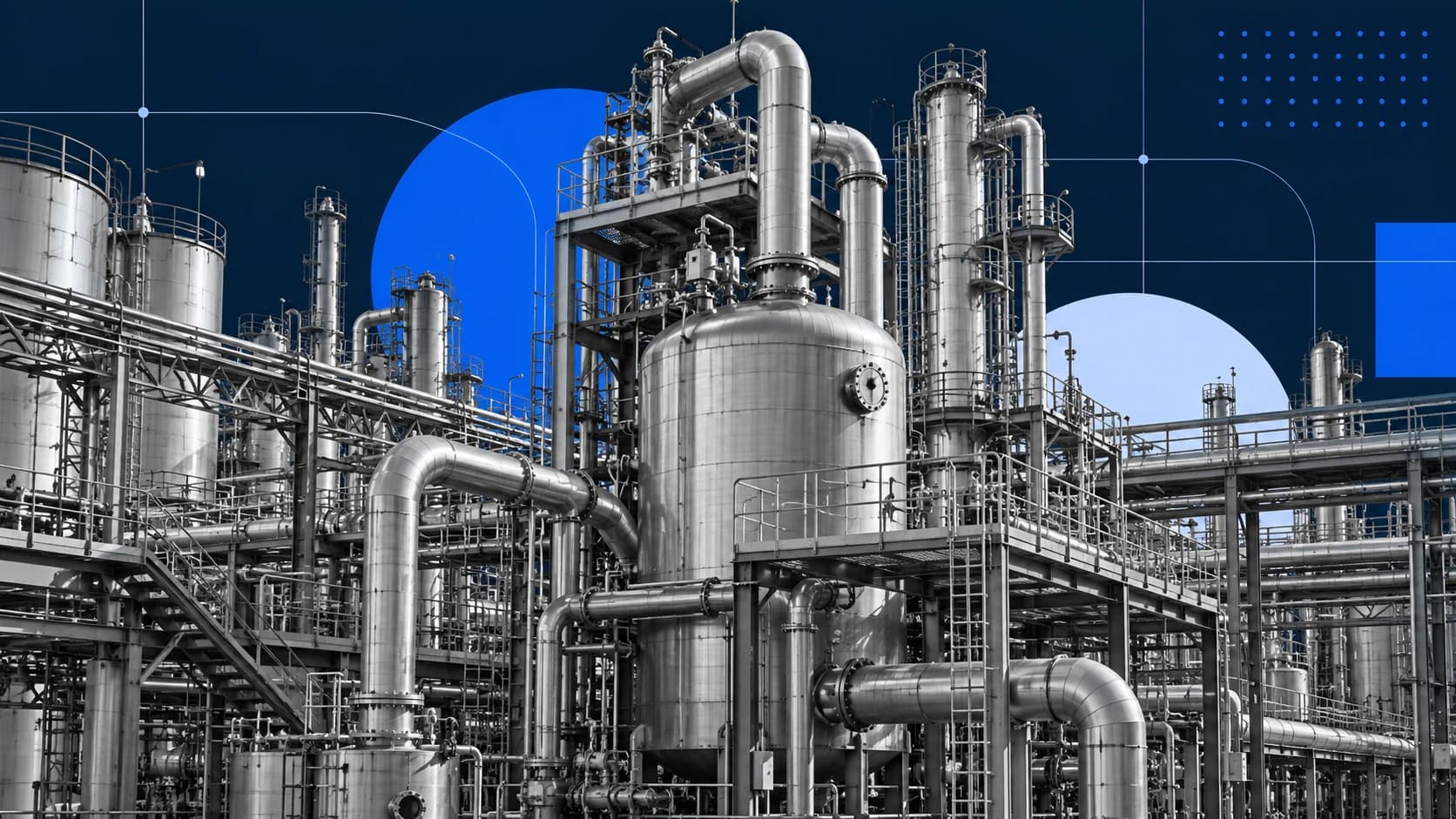
A practical guide to a CMMS workflow for manufacturing: define the job, prepare the people and materials, coordinate the shift, and record the return to service.
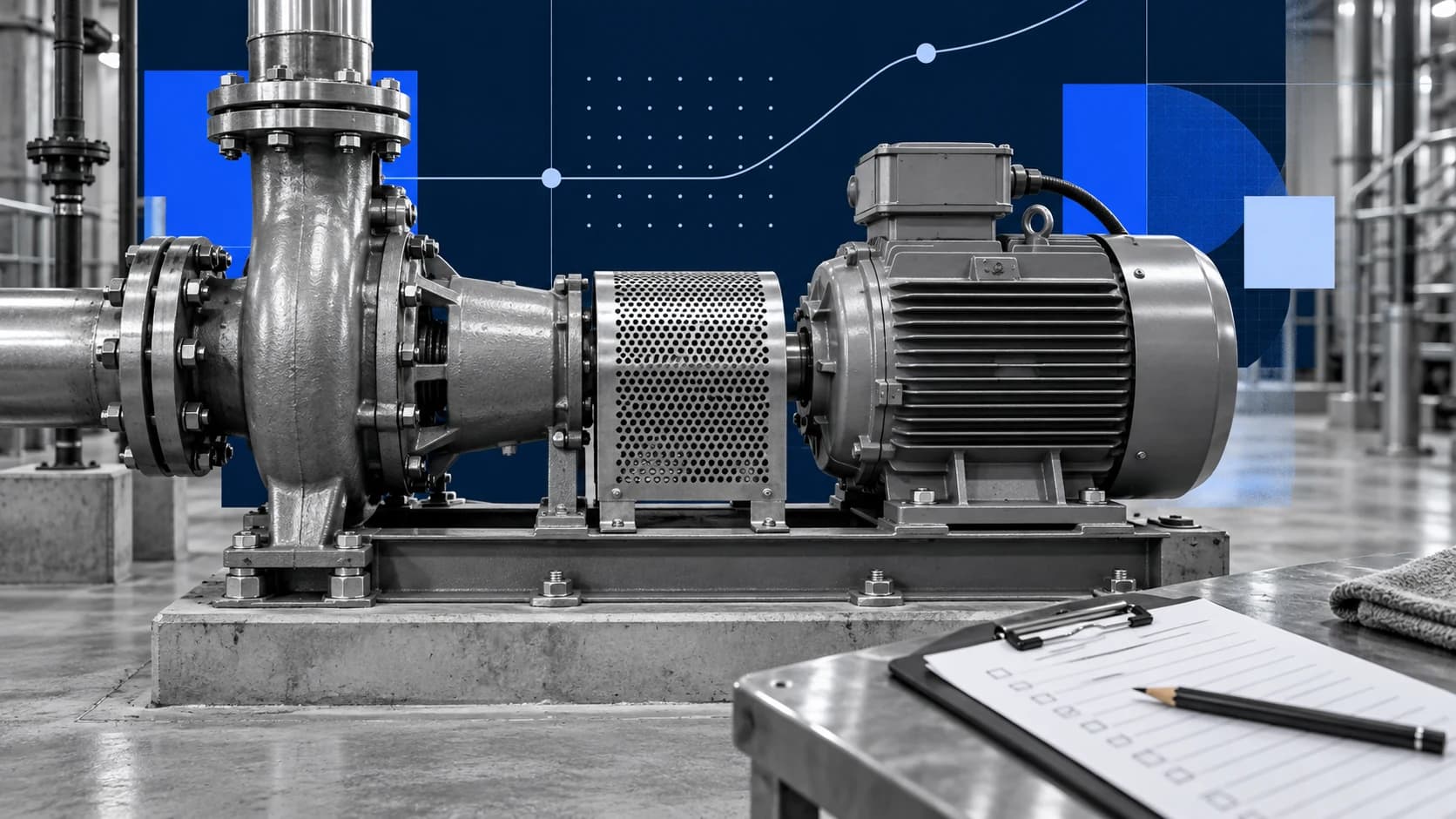
A practical guide to stronger asset history: capture the context behind maintenance work, separate symptoms from causes, and use follow-up to improve the next decision.

A field-ready routine for confirming the asset, reviewing prepared work, recording what changed, and handing off useful closeout.
Enterprise ready